 NexusDM
Conditions
A filter’s selector is built from conditions. Each condition tests one property of a node and holds, or doesn’t, for that node. A node matches a selector when its conditions say so, and the overview covers what Include and Exclude then do with the match.
This page covers the conditions on a single node: its custom fields and its built-in properties. Combining conditions is the job of groups, and conditions on a node’s connections are covered with connections and neighbours.
The examples below show each condition twice: as the builder view and as the expression view. Choose the one you’d like to see; the Guide remembers your choice on every page.
The example node
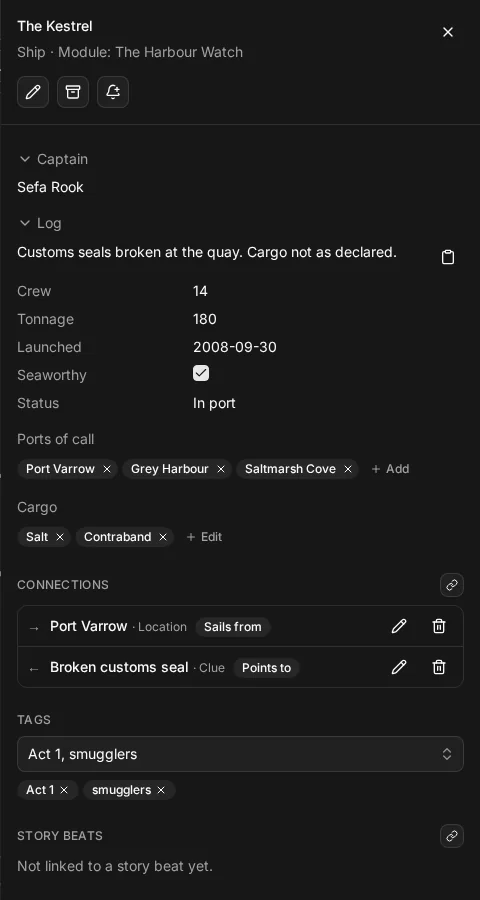
Most examples use one node type, the Ship, made to have one field of every kind. This is a Ship’s node sheet:
The map has six ships, and each condition below shows which of them it keeps. Before and after are the same map: the slider shows the map without the filter on one side and with it on the other. A node the filter hides leaves a gap, and the caption says how many nodes it shows.
A custom field’s condition is written with the type and the field, such as ship.crew. In the
builder you pick the same pair, such as Ship › Crew.
Text fields
A short text field takes is, is not and contains. Both is (=) and contains ignore upper and lower case, so you don’t have to remember how a name was typed.
Short text: a captain's name, ignoring case
The captain is “corra vane”. The Last Lantern’s captain is written Corra Vane, and it still matches.
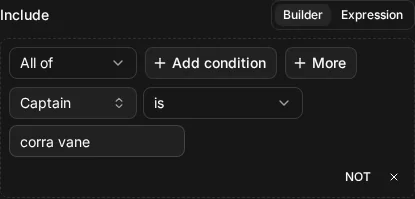
ship.captain = "corra vane"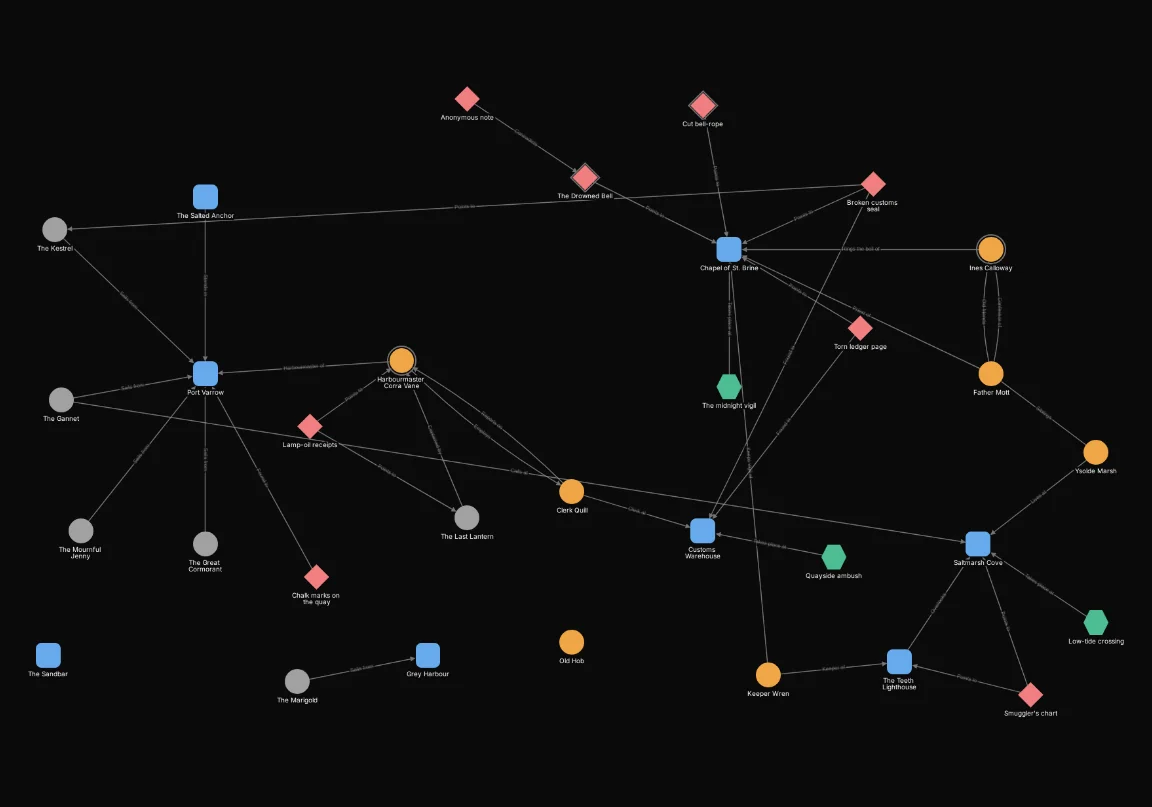

Short text: part of a captain's name
The captain contains “ISOLDE”. Only part of the name has to match, and again case is ignored.
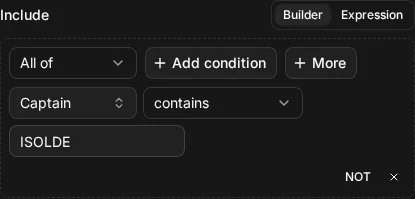
ship.captain CONTAINS "ISOLDE"
A rich text field takes the same operators. It matches against the field’s plain text, and ignores formatting.
Rich text: the plain text of a log
The Great Cormorant’s log reads “Dry-docked at Port Varrow. Hull cracked, crew idle and restless.” with the words in bold. The condition “log contains hull cracked” matches anyway: the bold is formatting, and formatting is ignored.
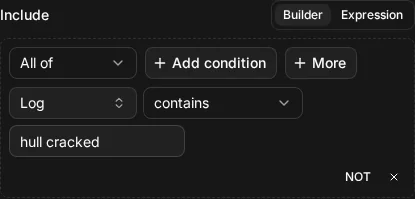
ship.log CONTAINS "hull cracked"Numbers
Integer and number fields take is, is not, is less than, is at most, is greater
than and is at least. In the expression view they are =, !=, <, <=, > and >=.
Integer: ships with a crew above ten
Crew is greater than 10 keeps the three ships with a bigger crew. A ship with exactly ten would not match: use is at least for that.
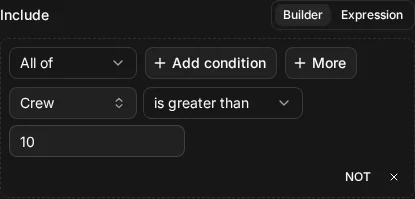
ship.crew > 10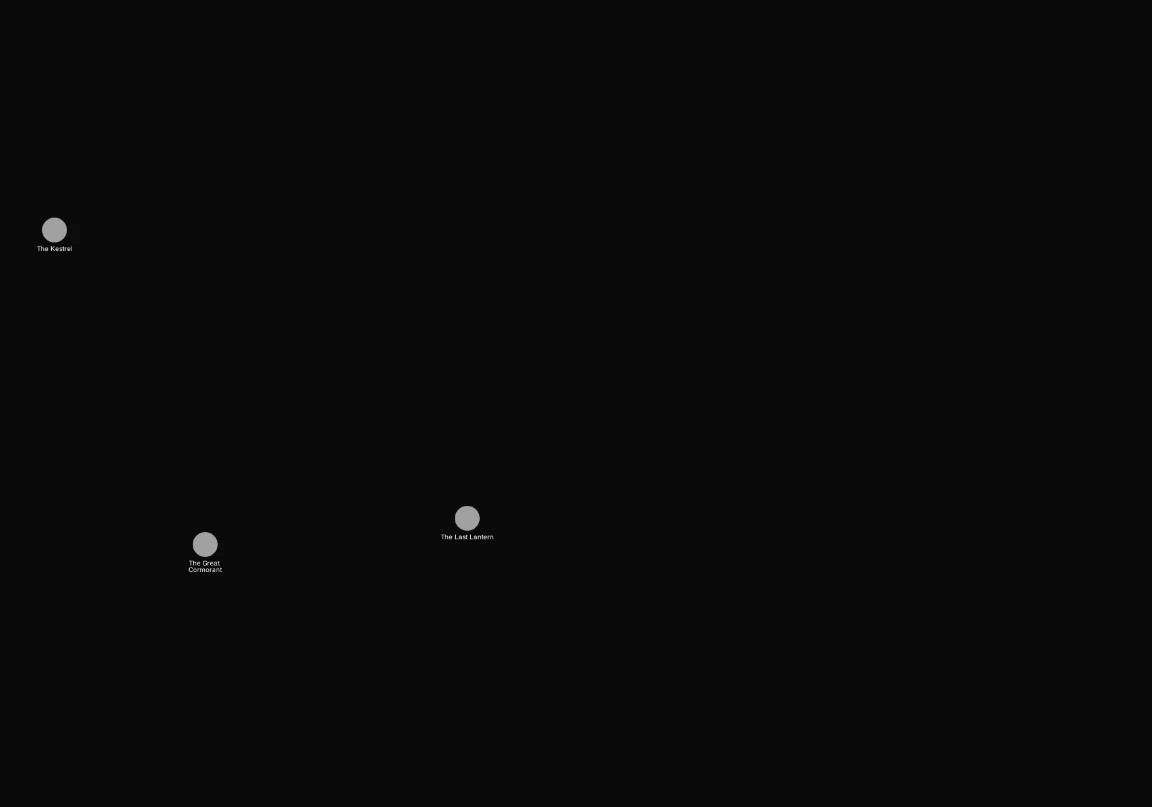
Number: ships under a hundred tons
Tonnage is a number field, so it can hold a fraction such as 42.5. Tonnage is less than 100 keeps the ships under a hundred tons.
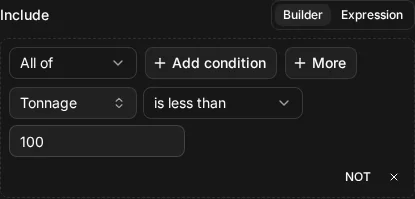
ship.tonnage < 100
Dates
A date field orders by calendar day, and takes the same six operators as numbers. In the expression view a date is written in quotes, as year, month and day.
Date: ships launched before a day
Launched is less than 2000-01-01: the ships launched before the year 2000.
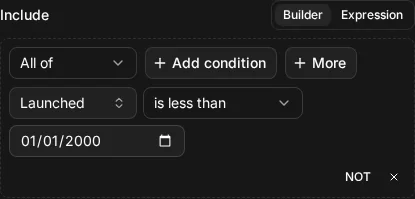
ship.launched < "2000-01-01"
Date: ships launched on or after a day
Launched is at least 2015-01-01: the ships launched on that day or later. Use is greater than to leave the day itself out.
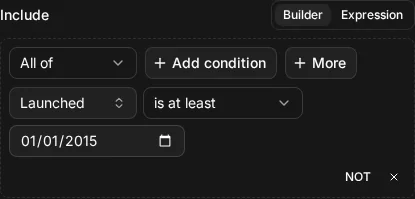
ship.launched >= "2015-01-01"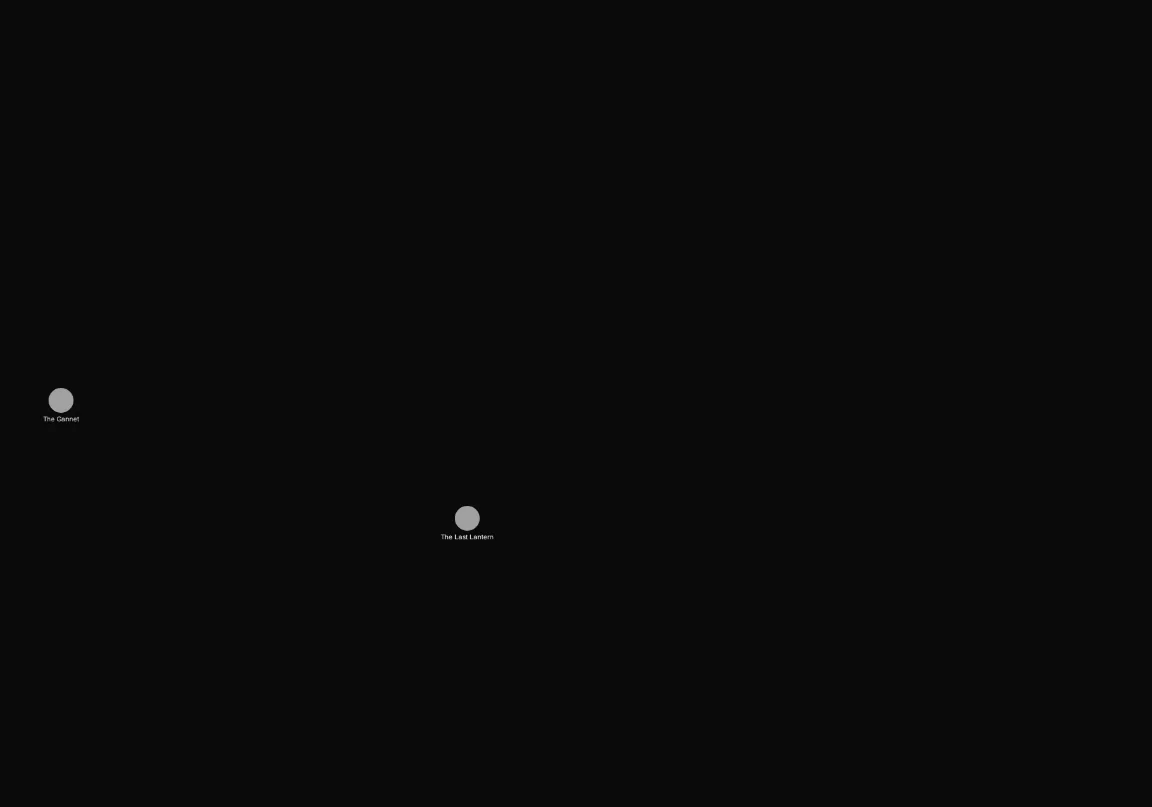
Yes or no
A boolean field takes is and is not.
Boolean: the seaworthy ships
Seaworthy is yes keeps the ships fit to sail. The ships that aren’t seaworthy are false, which
is a value, and is not the same as having no value (see the rules on empty values below).
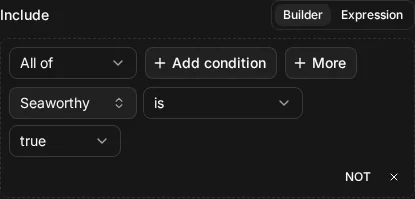
ship.seaworthy = true
Choices
An enum field, one with a fixed set of options, takes is, is not and is any of. Options are matched by their key, and the builder offers them as a list to pick from.
Enum: ships at sea
Status is At sea keeps the one ship that is at sea.
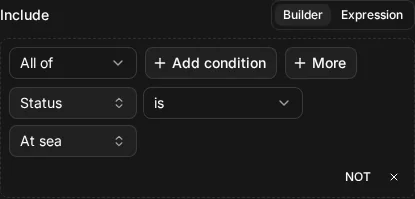
ship.status = "at_sea"
Enum: ships in port or lost
Status is any of In port and Lost keeps a ship whose status is either one. The Marigold has no status at all, so it matches neither: it isn’t in port, and it isn’t lost.
![The builder view of Include ship.status IN ["in_port", "lost"]](/guide/430ecff785b4e4d9f61a54e5070049b5600e65430435283870c1c508db87b7a0.webp)
ship.status IN ["in_port", "lost"]![After: Include ship.status IN ["in_port", "lost"]. Shows 4 of 32 nodes.](/guide/9924b91260ea49c0e43c50e46e259d231efe840009e248e24ab77d4bf8507772.webp)
Lists
A list field holds several items, and takes different operators from a single value. A list of short text takes has, contains and is any of:
- has is true when the list holds one whole item that equals the text, ignoring case;
- contains is true when part of any item’s text matches;
- is any of is true when any item in the list is one of the values you give.
List of short text: ships that called at one whole port
Ports of call has “Port Varrow” keeps the ships that called at Port Varrow. The item has to be the whole item, so “Varrow” alone would not match.
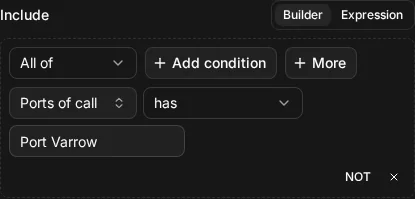
ship.ports_of_call HAS "Port Varrow"
List of short text: ships with a port whose name contains a word
Ports of call contains “Harbour” keeps a ship when any one of its ports has “Harbour” in its name, such as Grey Harbour. Port Varrow doesn’t, so a ship that only called there is hidden.
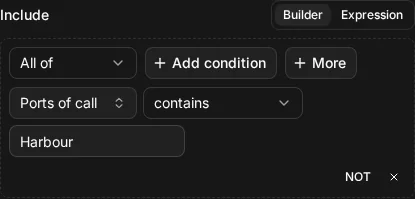
ship.ports_of_call CONTAINS "Harbour"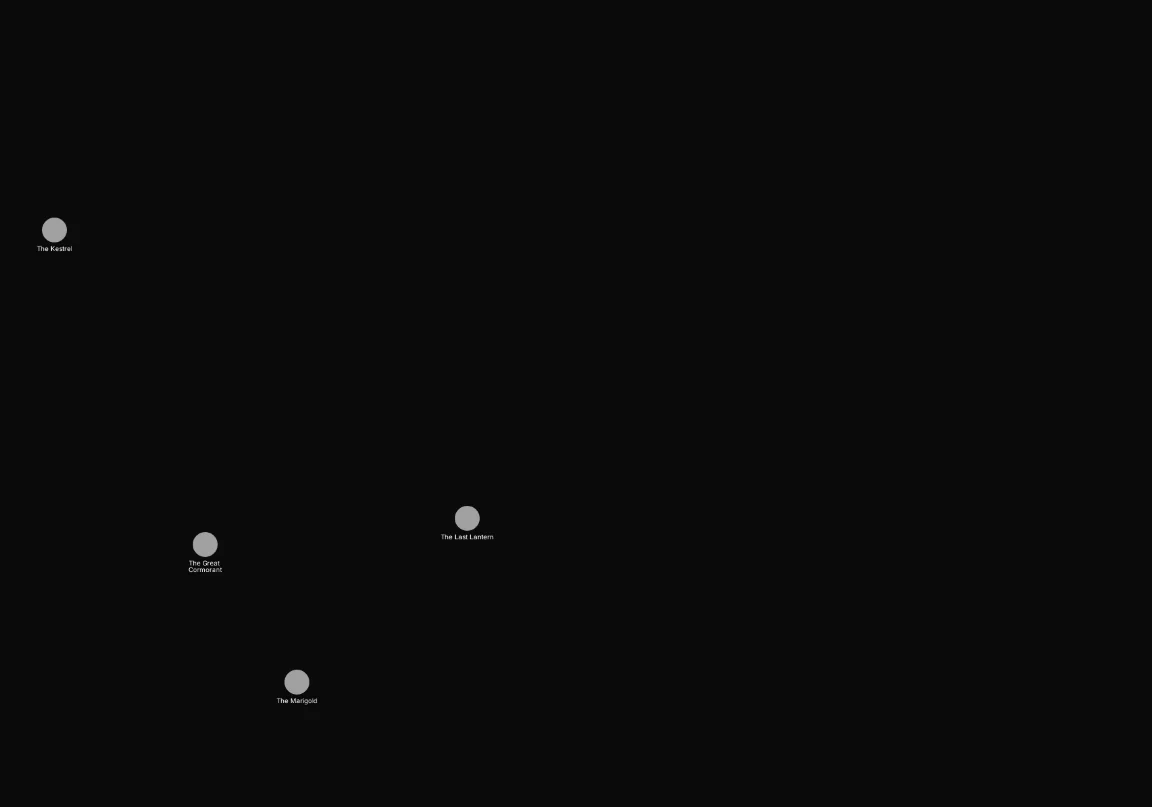
A list of enum options takes has and is any of:
List of enum: ships carrying salt or contraband
Cargo is any of Contraband and Salt keeps a ship that carries either one, among anything else it carries. The Mournful Jenny carries nothing, an empty list, so it is hidden.
![The builder view of Include ship.cargo IN ["contraband", "salt"]](/guide/6e25b3abb0fecf4a40edd0b534bad2b41001593f71bdeae2536695483ad1f32b.webp)
ship.cargo IN ["contraband", "salt"]Which operators each field kind takes
Every kind of field also takes is empty and is not empty. The other operators are:
| Field kind | Operators |
|---|---|
| Short text, rich text | is (=), is not (!=), contains |
| Integer, number | is, is not, is less than (<), is at most (<=), is greater than (>), is at least (>=) |
| Date | the same six as numbers, on calendar days |
| Boolean | is, is not |
| Enum | is, is not, is any of (IN) |
| List of short text, of rich text | has, contains, is any of |
| List of integer, number, date or boolean | has, is any of |
| List of enum | has, is any of |
A list of numbers, dates or yes/no values works like the lists above: has is one whole item, and is any of is any item in the set. Only lists of text can use contains, because only text has parts.
Built-in properties
Every node has a few properties of its own, whatever its type. A condition on one of them is
written with node., and in the builder it is listed by name. The expression view spells Neighbour count as node.neighbor_count, with the American spelling.
| Property | In the expression view | Takes |
|---|---|---|
| Node | node.id | is, is not, is any of (you pick the nodes in the builder) |
| Name | node.name | is, is not, contains |
| Type | node.type | is, is not, is any of |
| Tags | node.tags | has, is any of, is empty, is not empty |
| Story beats | node.story_beats | has, is any of, is empty, is not empty |
| Connection count | node.connection_count | is, is not, is less than, is at most, is greater than, is at least |
| Neighbour count | node.neighbor_count | the same as connection count |
Name: nodes with a word in their name
Name contains “harbour”. Case is ignored, so the Harbourmaster and Grey Harbour both match.
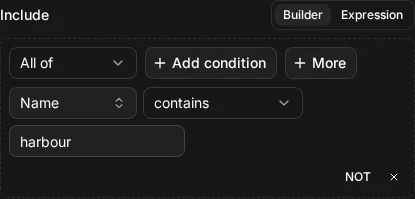
node.name CONTAINS "harbour"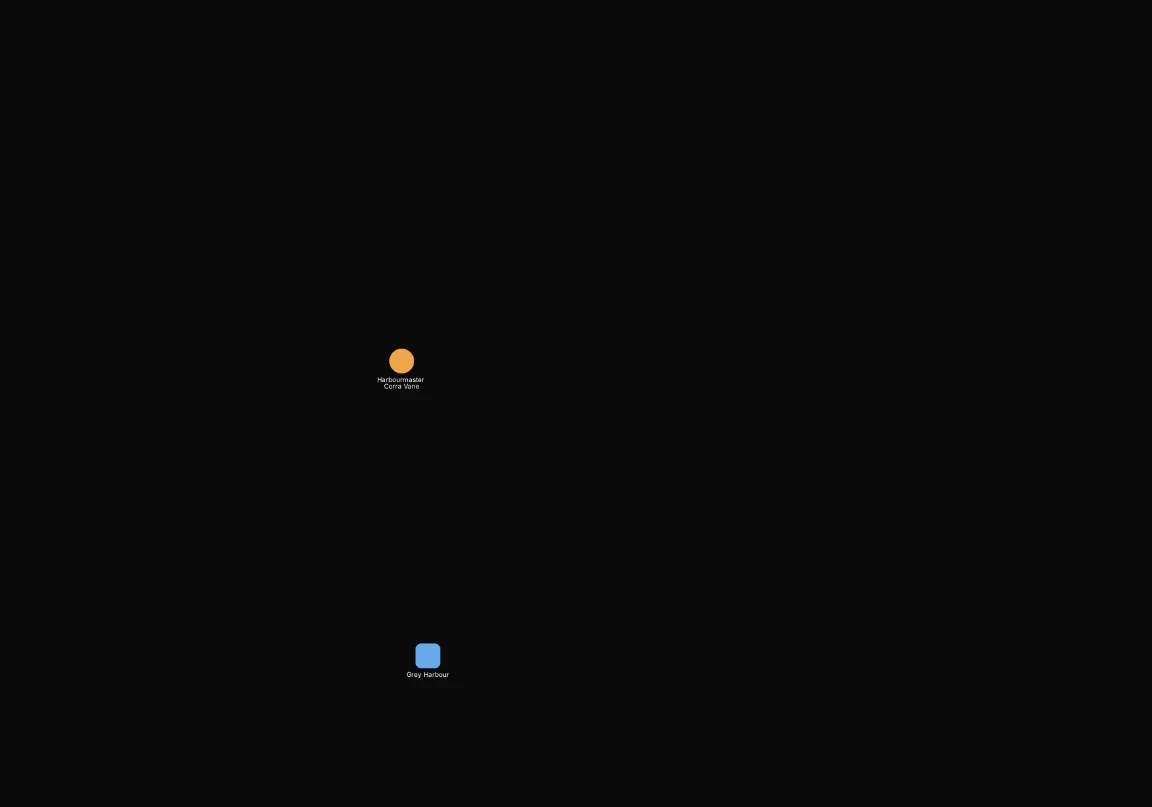
Type: clues and scenes
Type is any of Clue and Scene keeps the nodes of either type. Types are matched by their key,
such as clue, in the expression view.
![The builder view of Include node.type IN ["clue", "scene"]](/guide/73ca2a5a56fdd4291c2e38822c31584eb829e9e17492d2d9a58338c349c0174b.webp)
node.type IN ["clue", "scene"]![After: Include node.type IN ["clue", "scene"]. Shows 11 of 32 nodes.](/guide/f0f14017894a100f97f5d8c2c19ef1643fe7cd489d75e3c3ebb5f854f4d12ab5.webp)
Tags: nodes tagged Act 1
Tags has Act 1 keeps the nodes carrying that tag. Tags are matched by name when the name is unique in the campaign, and the name has to match exactly, including its case.
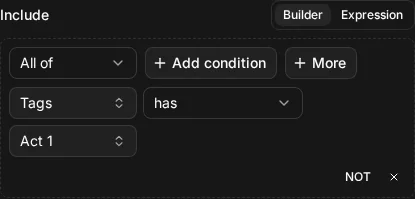
node.tags HAS "Act 1"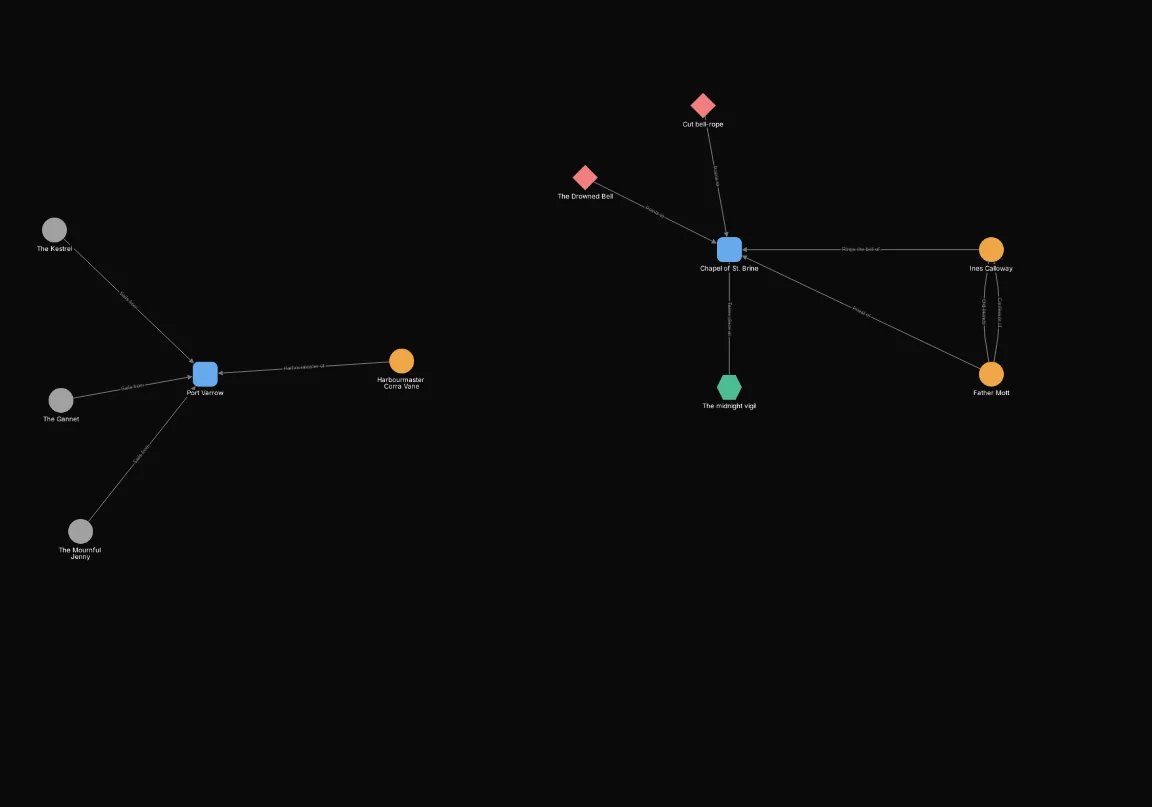
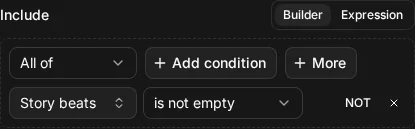
Story beats: nodes linked to at least one story beat
Story beats is not empty keeps every node linked to at least one story beat. Nodes with none are hidden. To pick one particular story beat, use has or is any of and choose the beat in the builder.
node.story_beats IS NOT EMPTY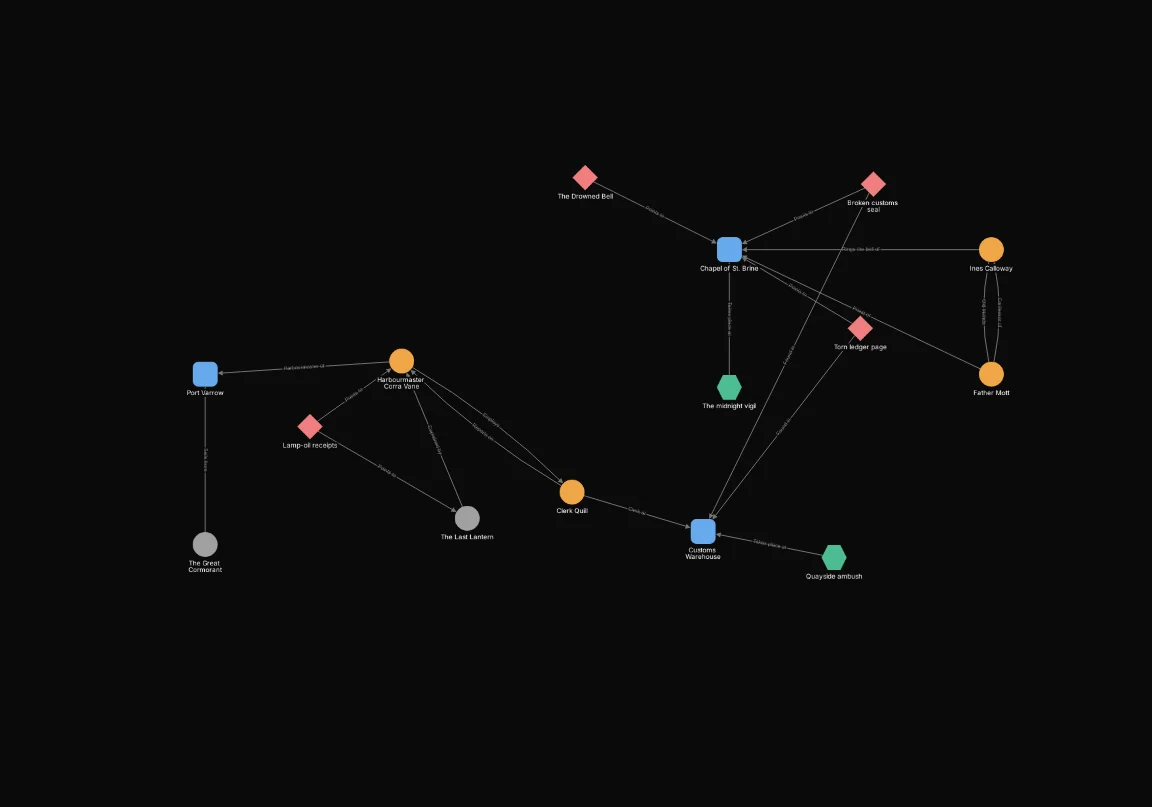
A node’s connection count and neighbour count are two different numbers, and the connections and neighbours page explains why. For now, notice that the same limit keeps different nodes:
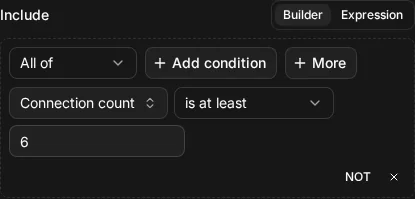
Connection count: nodes with six or more connections
Connection count is at least 6 counts every connection a node has.
node.connection_count >= 6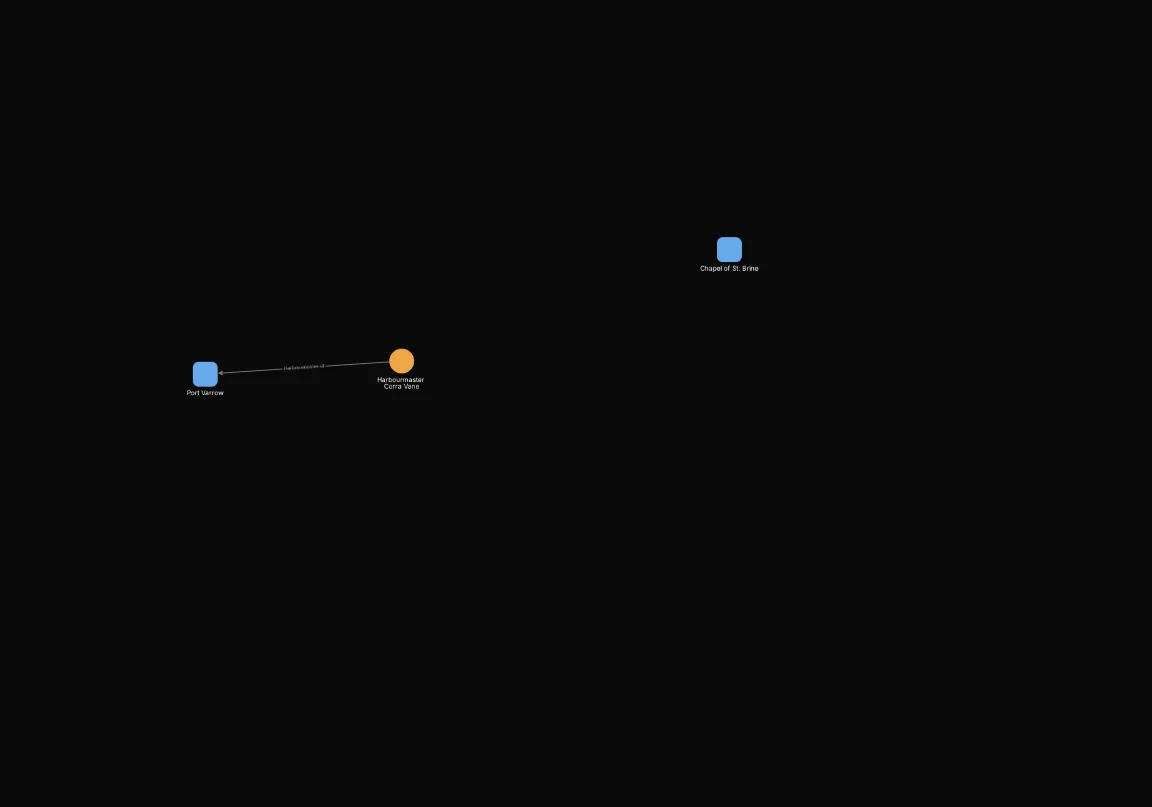
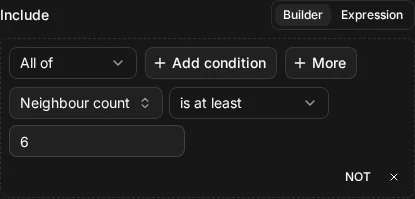
Neighbour count: nodes with six or more neighbours
Neighbour count is at least 6 counts the nodes at the other ends of those connections. Harbourmaster Corra Vane has six connections but only five neighbours, so she drops out.
node.neighbor_count >= 6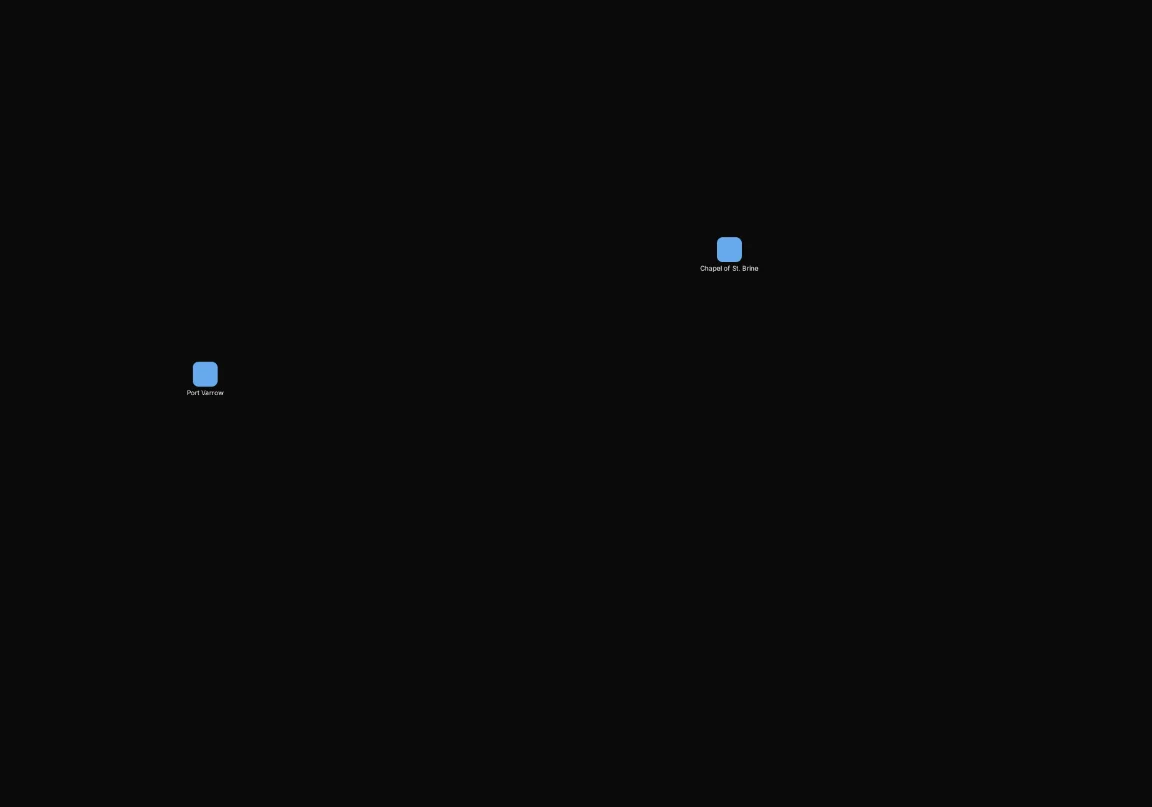
Rules worth knowing
Empty means missing, blank or an empty list
A value is empty when it is missing, an empty string or an empty list. 0 and false are values, not
empty: a ship with a crew of 0 has a crew, and a ship that isn’t seaworthy has a seaworthy value.
Empty values: ships with no status
Status is empty keeps the Marigold, the only ship whose status was never set. Notice that no other node on the map is kept, which is the next rule at work.
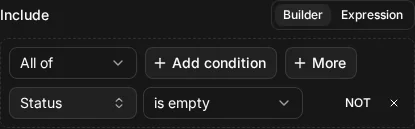
ship.status IS EMPTY
Every comparison is false on an empty value
A comparison, != included, is false when the value is empty. There is nothing to compare, so
“is not Lost” can’t say yes for a ship that has no status.
Not equal: ships whose status is not Lost
Status is not Lost keeps the ships that have some other status. The Last Lantern is lost, so it goes. The Marigold goes too, although its status isn’t Lost: it has no status, so the comparison is false for it.
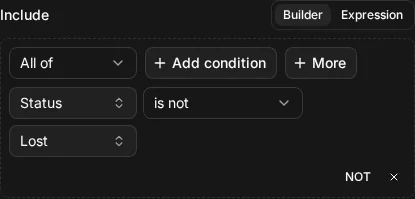
ship.status != "lost"
If you want a ship with no status to stay, say so: combine the condition with is empty in an Any of group, which groups explains.
A custom-field condition is false for other types
A condition on ship.status is about ships. For a node of any other type it is false, and that
includes is empty: an NPC doesn’t have an empty ship status, it has no ship status to be empty.
That is why the earlier example kept the Marigold only, not every node without a status.
Has the field, or has a value
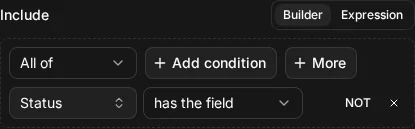
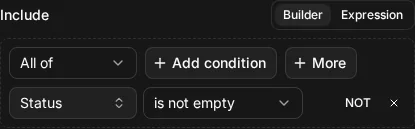
has the field and is not empty sound alike but ask different things. Has the field asks about the type: does this kind of node have that field at all? Is not empty asks about the value: does this node have something in it?
Has field: every ship, whatever its values
Ship has the field Status keeps every ship, because the type has the field, whatever the ships’ values are.
ship HAS FIELD "status"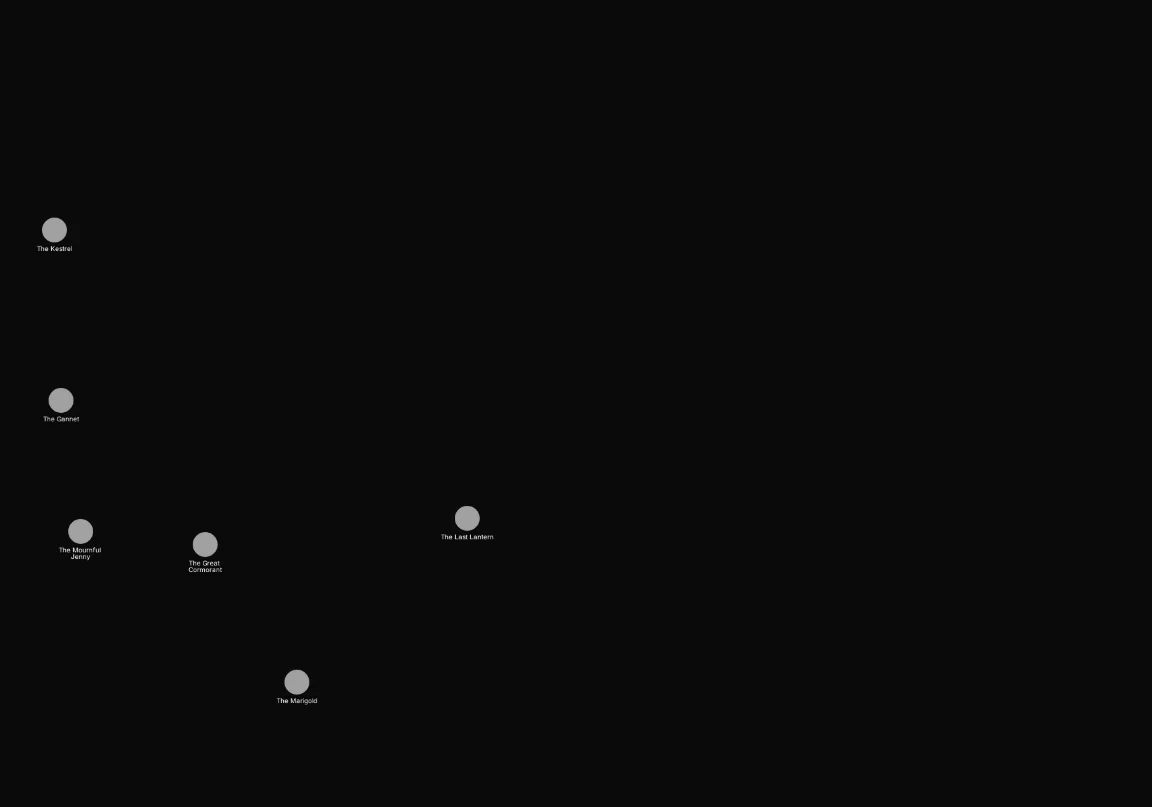
Is not empty: ships that have a status
Status is not empty keeps only the ships that have a status. The Marigold has the field but no value, so it is hidden.
ship.status IS NOT EMPTY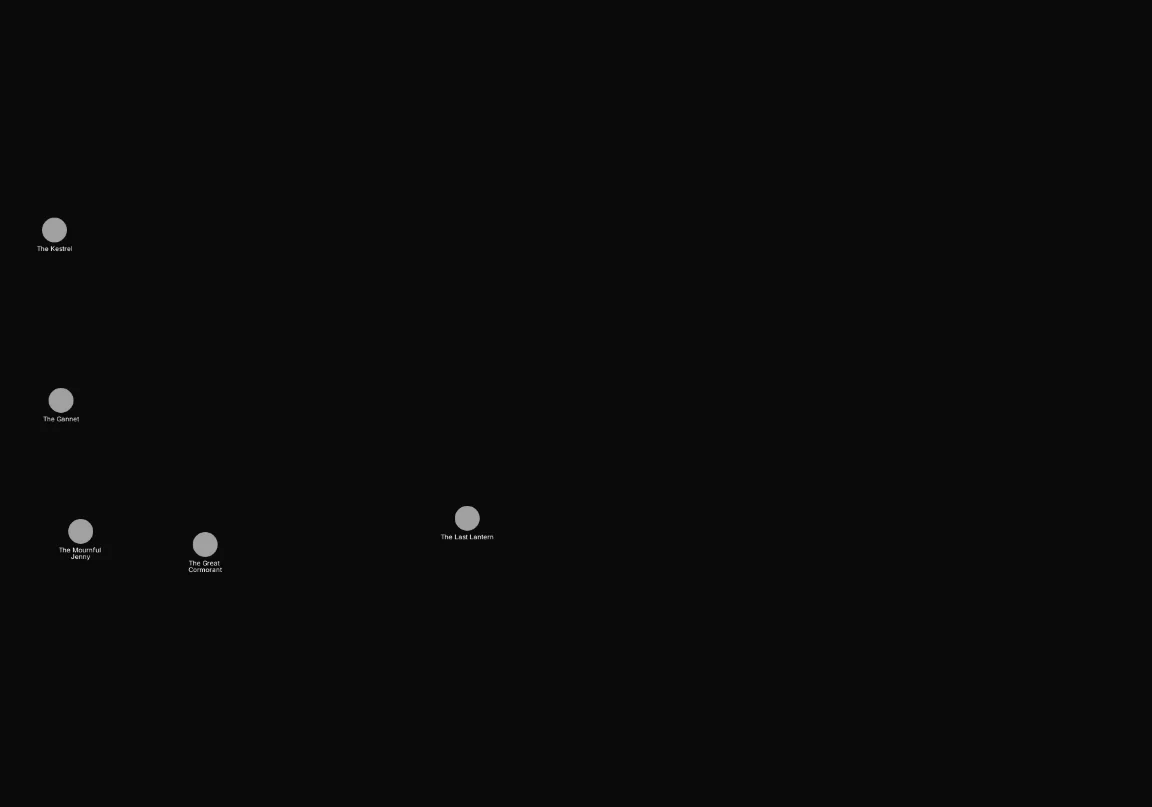
Next, groups show how to combine conditions with All of, Any of and Not.