NexusDM
Map appearance examples
Rules to start from. Each one is a working set of appearance rules on the Lantern Coast, shown as the rule editor you fill in and as the expressions you can copy into each rule’s Expression view. Choose which you’d like to see; the Guide remembers your choice on every page.
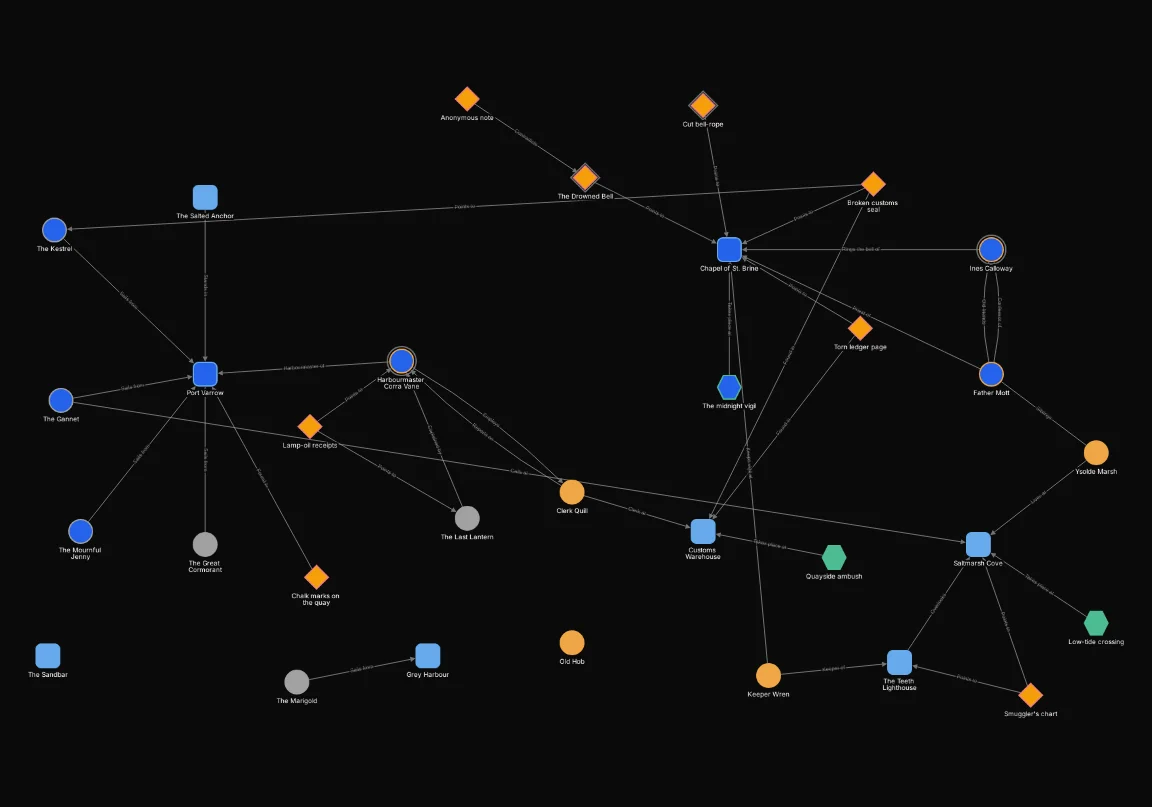
Drag the slider to compare the map with no rules and with the example’s rules. Appearance rules never hide a node, so both sides show the same nodes in the same places; only their look changes. Writing the Applies to selector works exactly as for filters: see writing expressions.
Picking nodes out
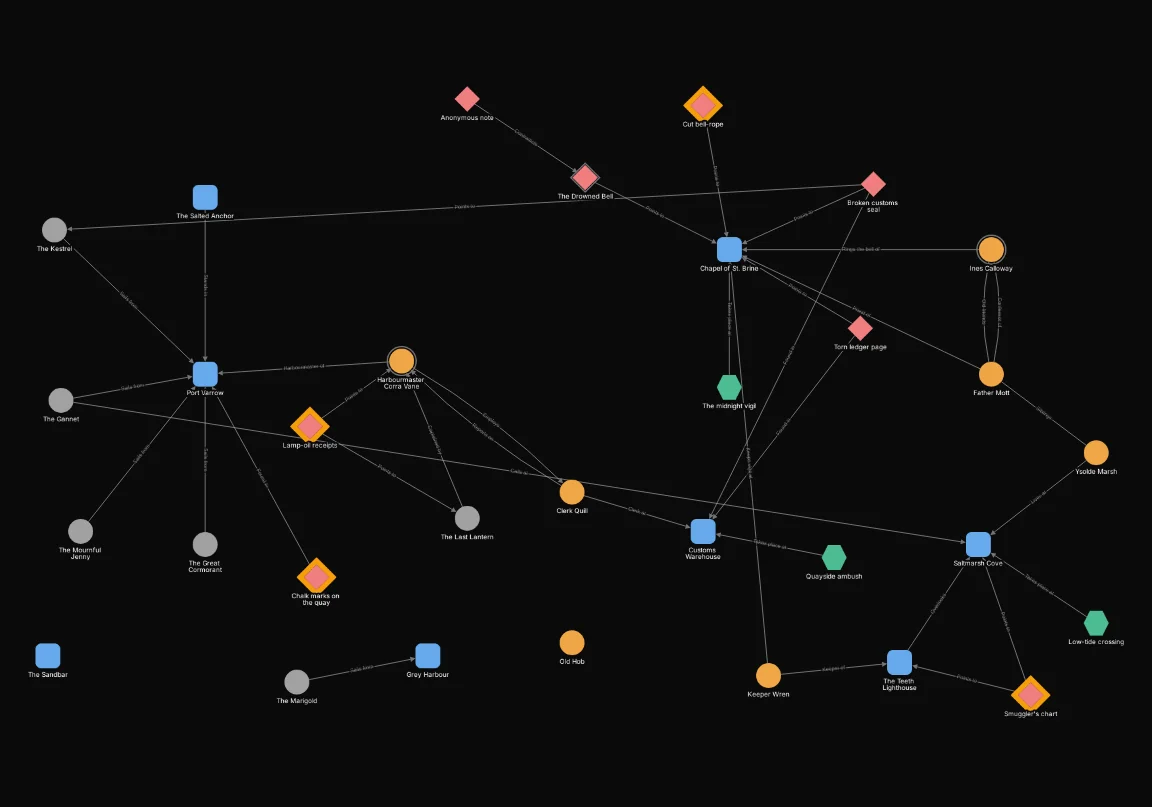
A halo on clues not yet given
A halo on clues not yet given
A custom-field condition is false for a node of another type, so only clues can match. The four clues still to give the players get an amber halo of width 8, a ring that stands out even on a busy map.
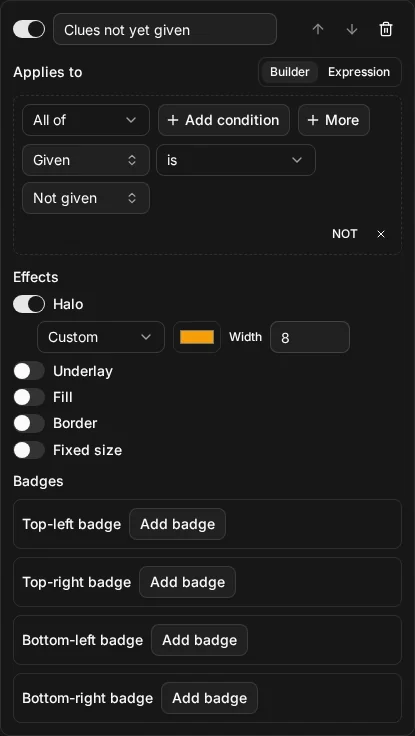
clue.given = "not_given"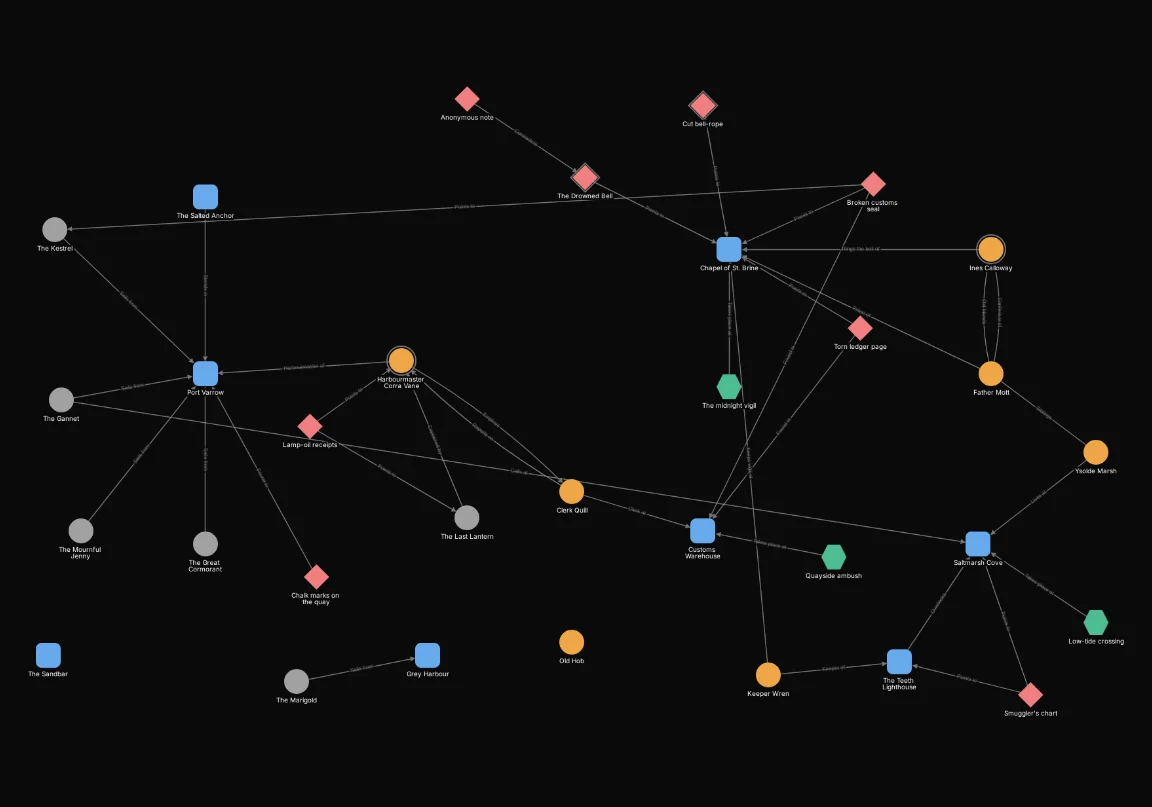
A border on missing NPCs
A border on missing NPCs
Status is a field of the NPC type, so the condition is npc.status. Ines Calloway is
missing, so her node gets a red border of width 6. The same rule with "deceased" marks the
dead.
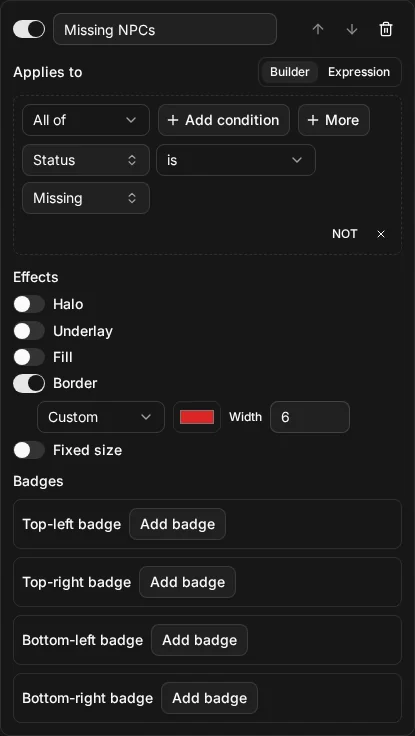
npc.status = "missing"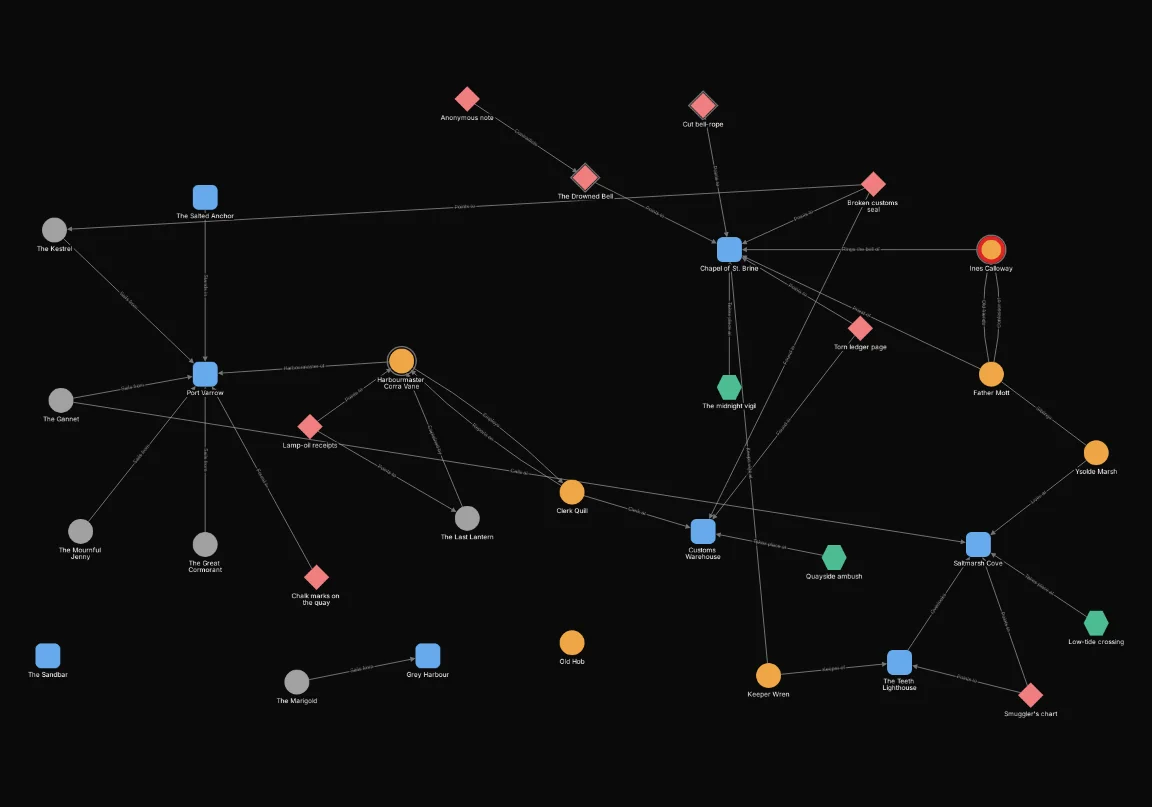
An underlay on Act 1
An underlay on Act 1
HAS tests for one whole tag. An underlay is a soft shape behind the node: here green, with
padding 12 and opacity 0.35, so the node’s own colour still shows through. Every node tagged Act 1 is marked, whatever its type.
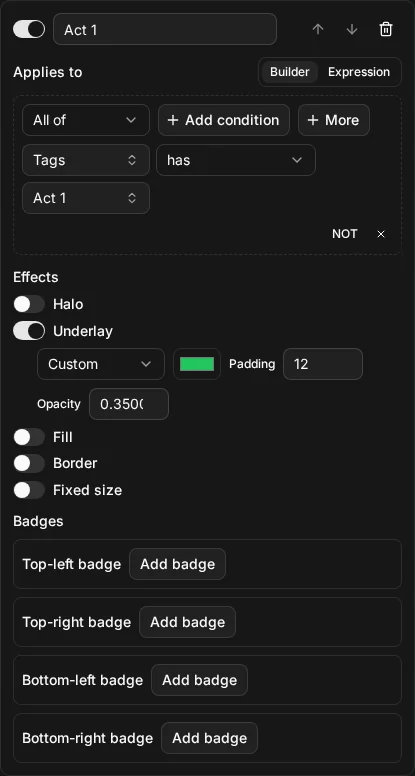
node.tags HAS "Act 1"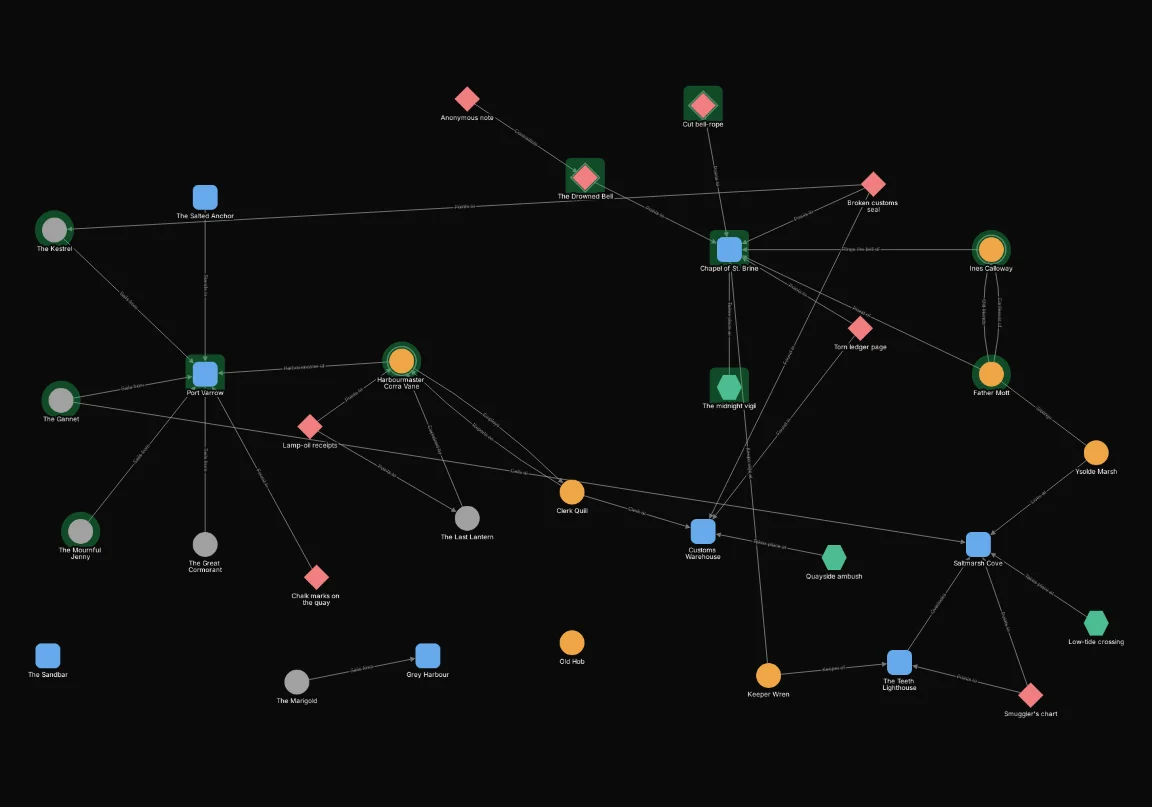
A fixed size for hubs
A fixed size for hubs
node.neighbor_count counts a node’s distinct neighbours, so this matches the four nodes with
five or more: the Chapel of St. Brine, Port Varrow, Harbourmaster Corra Vane and Saltmarsh Cove.
A fixed size of 80 px wins over the view’s automatic size; see automatic node size.
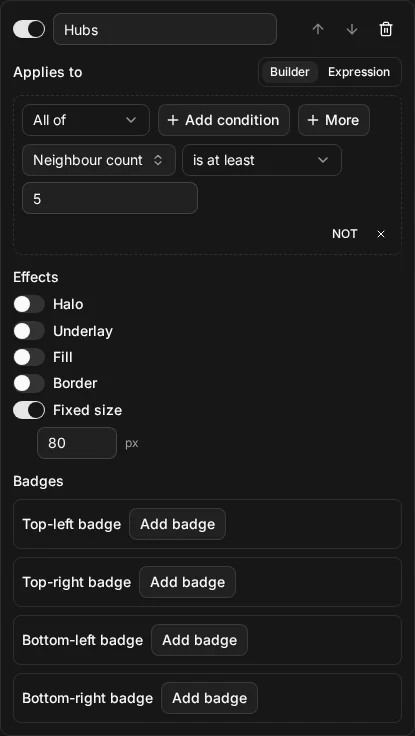
node.neighbor_count >= 5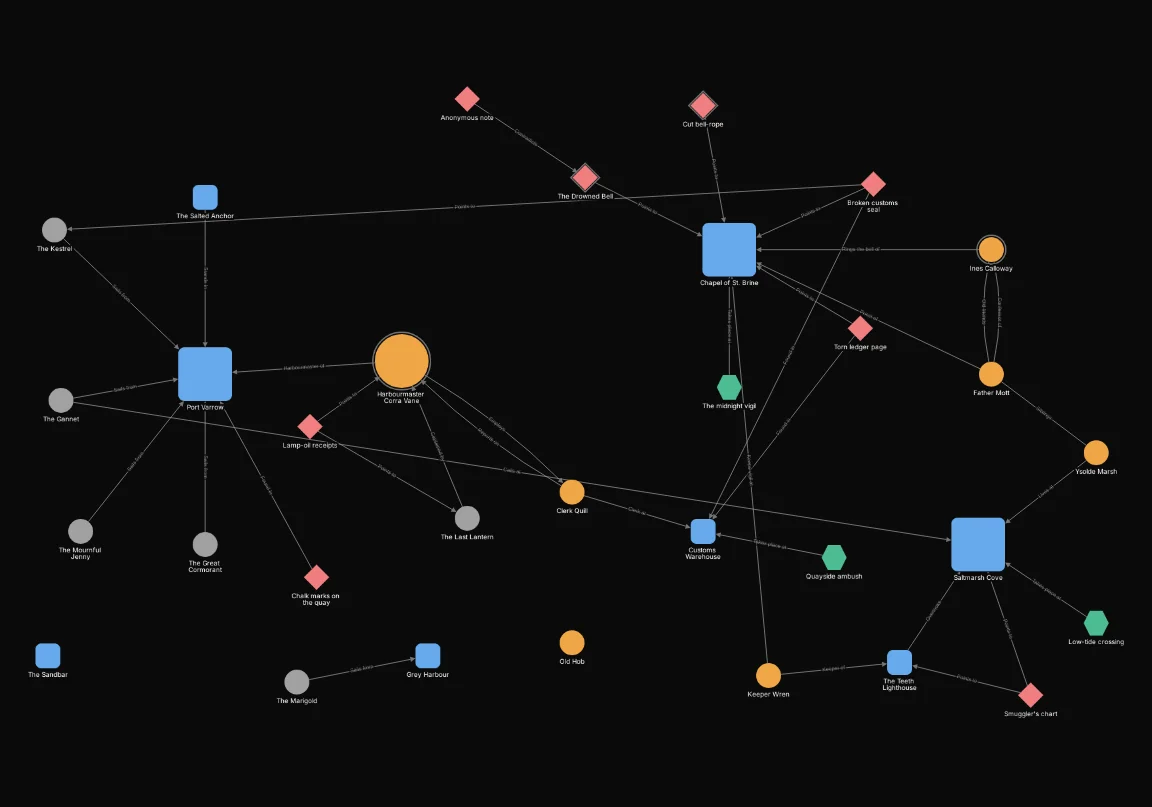
Badges
A badge on the smugglers
A badge on the smugglers
A badge without a count is a marker: every node tagged smugglers gets the skull and crossbones in its top-left corner.
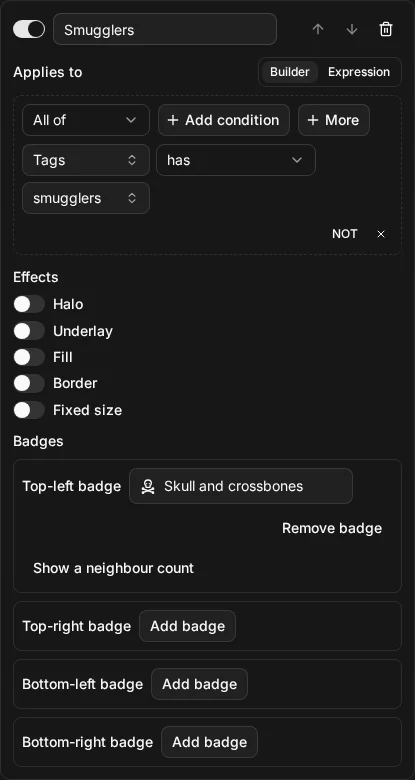
node.tags HAS "smugglers"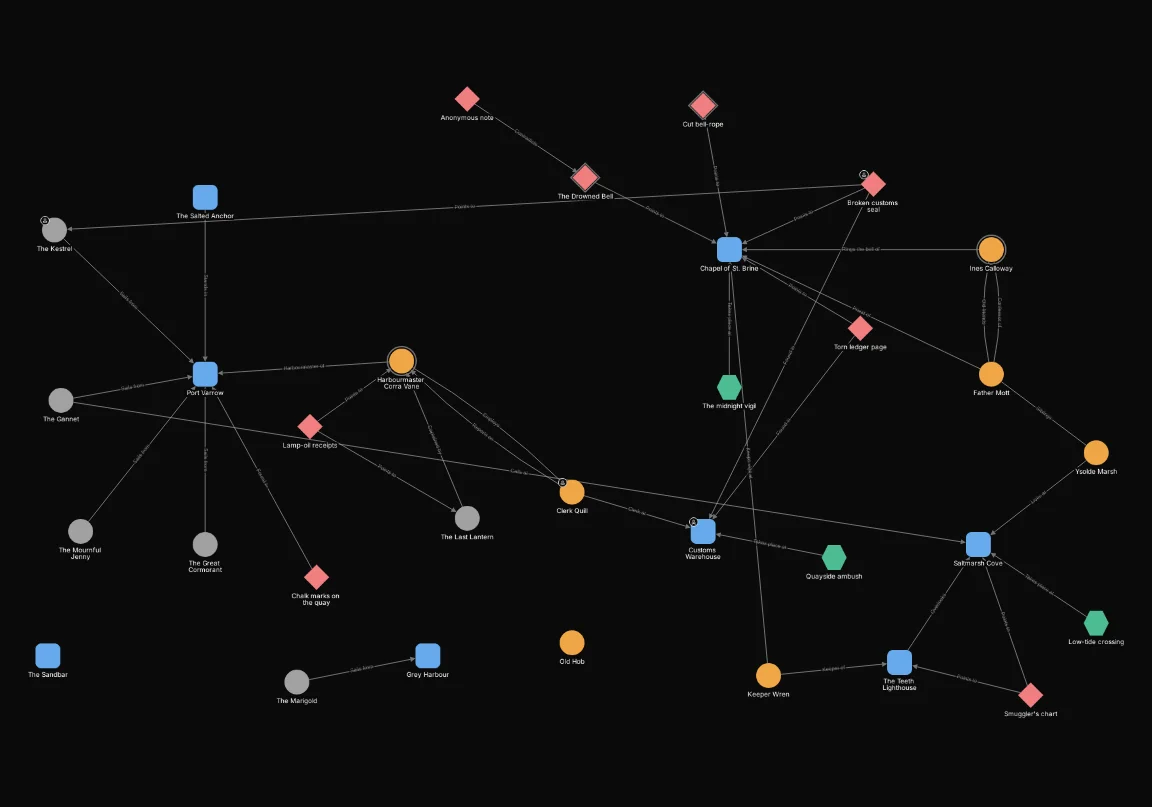
A badge counting the clues that point at each node
A badge counting the clues that point at each node
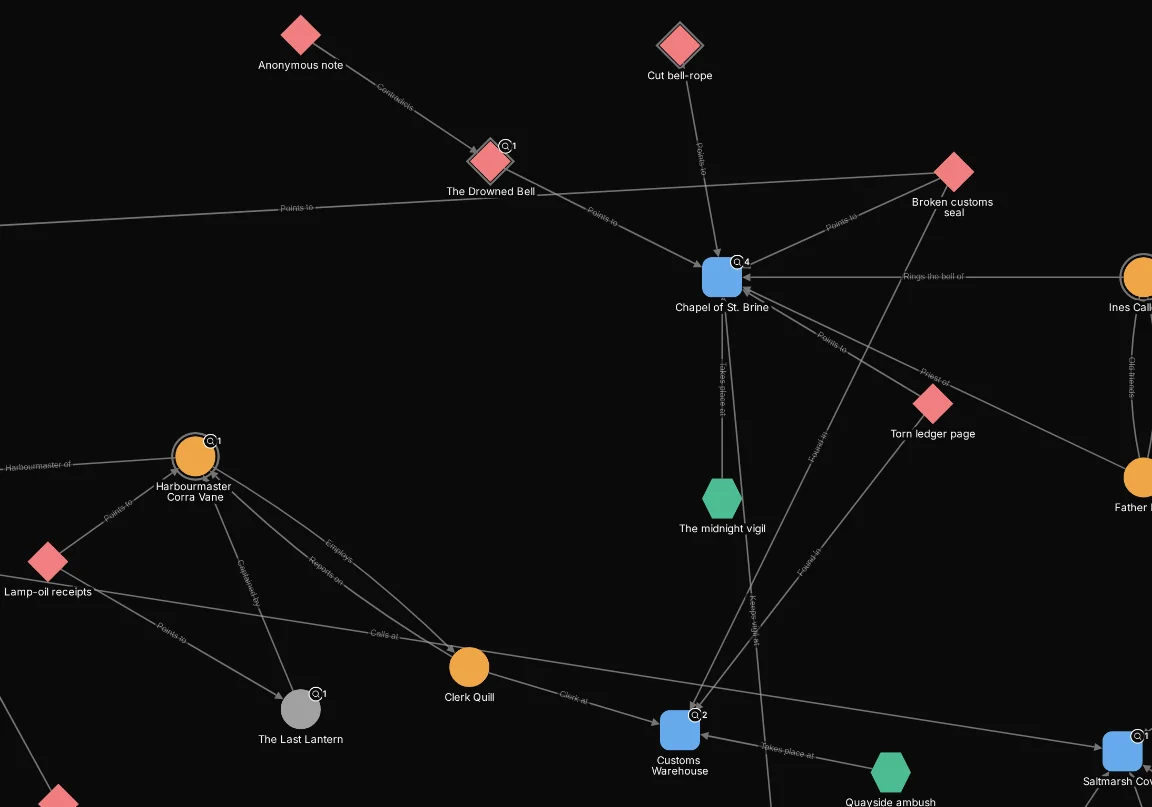
The badge shows a badge count of distinct neighbours that are clues, counting only the connections that come in to the node, so it counts the clues that point at it. The Chapel of St. Brine shows 4. The Applies to asks for the same thing (at least one clue connected inbound), so a node no clue points at gets no badge rather than a 0. The camera is fitted around the chapel so the numbers are readable.
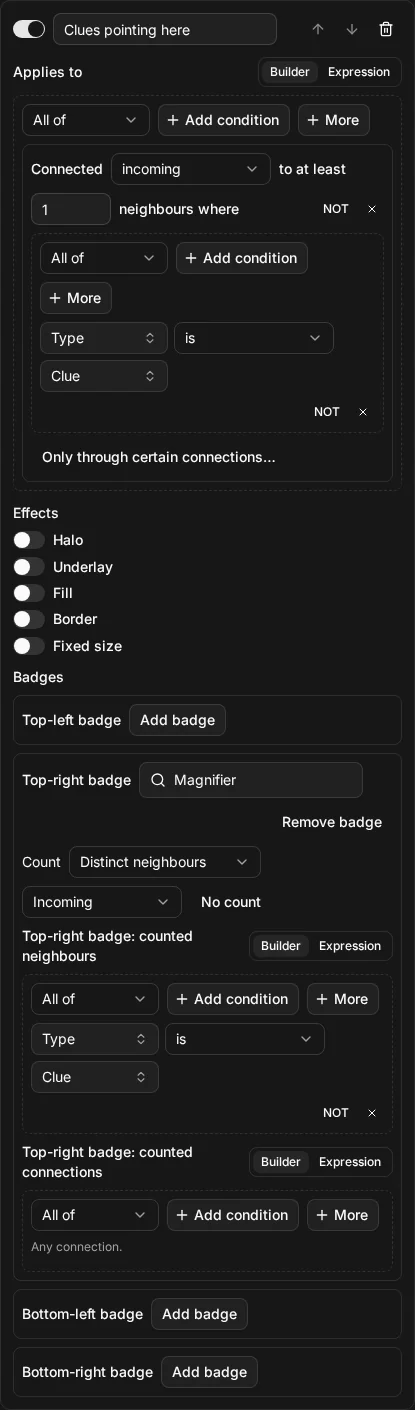
connected_to(node.type = "clue", direction: "in")node.type = "clue"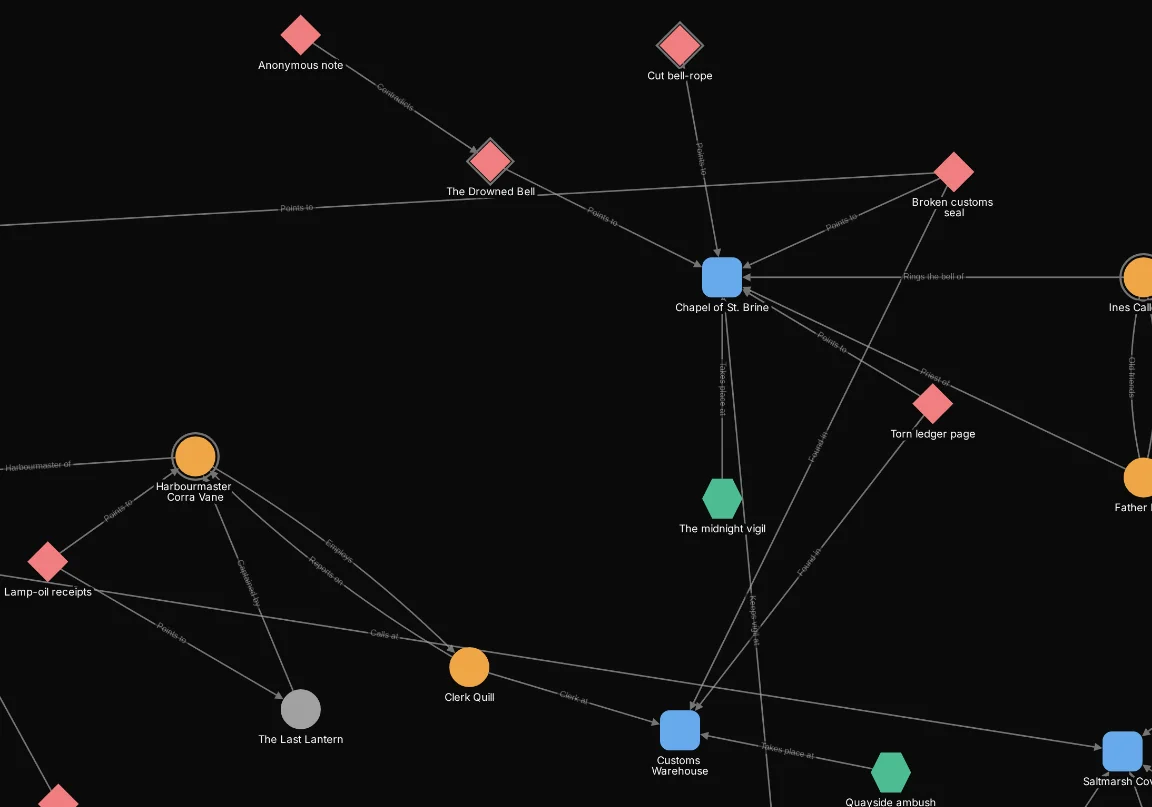
Order
Two rules where order decides
Two rules where order decides
Both rules set a fill. Act 1 nodes turn blue and clues turn amber, and The Drowned Bell and the Cut bell-rope are both: they are clues tagged Act 1. The later rule wins, so they are amber. Move Clues above Act 1 and those two turn blue instead, while every other node keeps its colour. See rules and order.
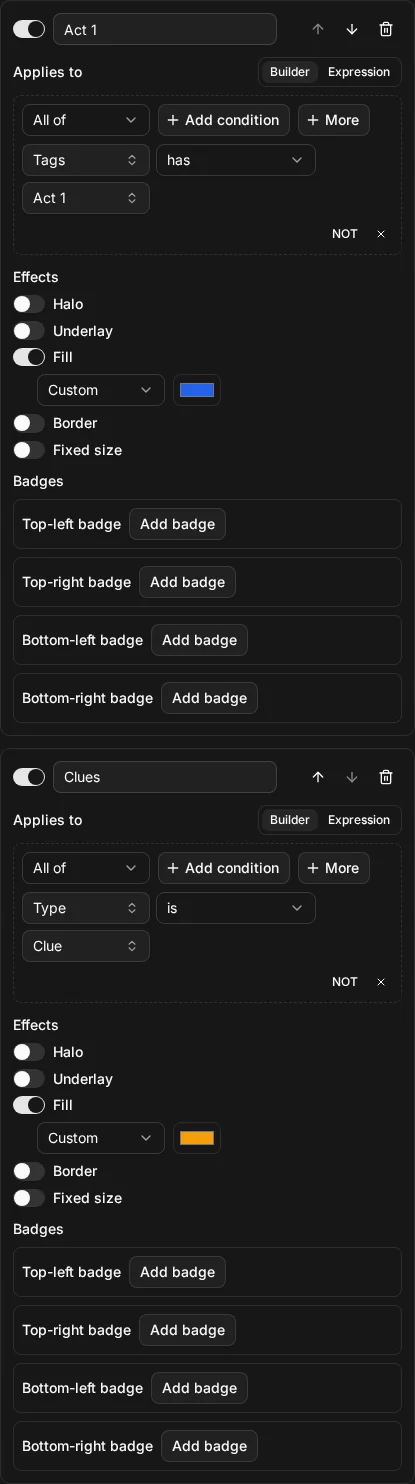
node.tags HAS "Act 1"node.type = "clue"